
5 Open-Source DocuSign Alternatives in 2026
 Atakan Öztarak
DocuSign is the industry standard for electronic signatures, but it can get expensive and restrictive once you need API access, advanced workflows, more users, or higher document volume.
The good news: there are excellent open-source DocuSign alternatives that you can self-host for a fraction of the cost. The best options give you reusable templates, signer fields, audit trails, API access, webhooks, team management, and control over where sensitive documents are stored.
You can run any of these yourself or use Sliplane for predictable hosting, full control over your document signing workflows, unlimited documents, no per-signature fees, and data that stays on your servers.
Quick Picks
- Best overall open-source DocuSign alternative: DocuSeal.
- Best modern product experience: Documenso.
- Best simple signing workflow: OpenSign.
- Best if you already use Nextcloud: LibreSign.
- Best if you want to self-host without server work: deploy DocuSeal on Sliplane.
Self-Hosting Matrix
| Alternative | Best for | Self-hostable? | Sliplane fit |
|---|---|---|---|
| DocuSeal | Full DocuSign replacement | Yes | Excellent fit as a hosted container |
| Documenso | Modern signing UX | Yes | Good fit, expects Postgres |
| OpenSign | Simple document signing | Yes | Good fit for straightforward signing |
| LibreSign | Nextcloud-based signing | Yes, via Nextcloud | Better if you already host Nextcloud |
| Build your own | Custom embedded workflows | Yes | Good fit for your custom backend |
How to Choose an Open-Source DocuSign Alternative
Most teams searching for a DocuSign alternative care about the same few things: cost, API access, legal evidence, data residency, and how quickly non-technical users can send documents.
- Choose DocuSeal if you want the closest open-source DocuSign replacement with templates, audit trails, API access, and a polished signing flow.
- Choose Documenso if you want a modern product experience, TypeScript stack, and a signing tool that feels closer to a SaaS app.
- Choose OpenSign if you need straightforward document signing without a heavy platform around it.
- Choose LibreSign if your documents already live in Nextcloud and you want signatures inside that workflow.
- Build your own only if document signing is deeply embedded in your product and the off-the-shelf tools force too many compromises.
Let's explore the best open-source DocuSign alternatives.
1. DocuSeal
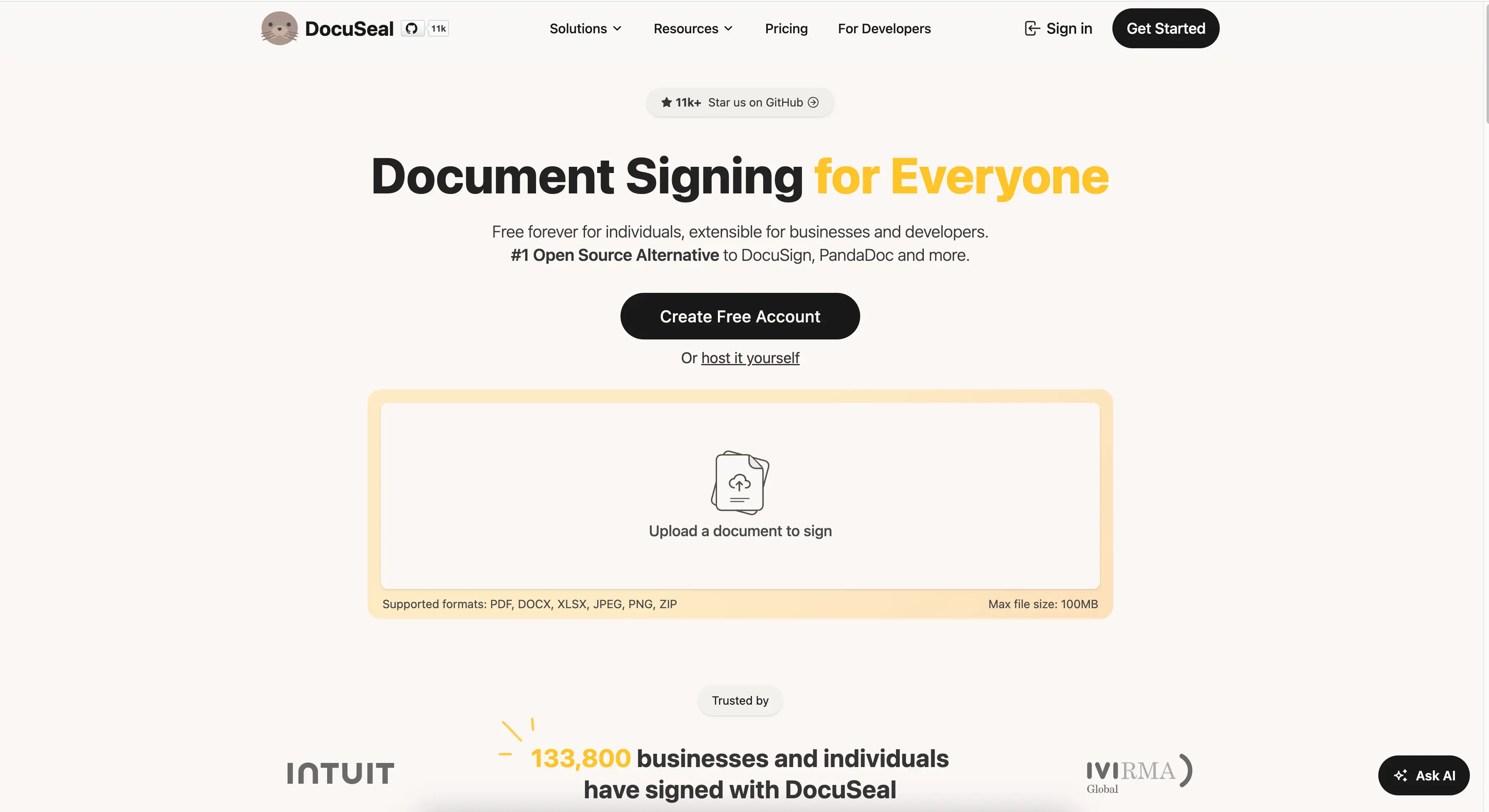
DocuSeal is the most feature-complete open-source DocuSign alternative available. It's actively maintained, has a polished UI, and covers all the essential document signing workflows you'd expect from a premium solution.
- Features: Document templates, multi-party signing, custom fields, API & webhooks, white-labeling, audit trail, email notifications, PostgreSQL/MySQL support, and mobile-friendly interface.
- Why You Should Use It: The closest thing to a full DocuSign replacement you can self-host. Active development, great documentation, and you can deploy it in under a minute with Sliplane.
- Why Not: If you need a vendor-managed enterprise legal/compliance package, procurement paperwork, or a globally recognized brand for every counterparty, DocuSign may still be easier to justify internally.
- Pricing: Free (open-source, AGPL-3.0); self-host for ~€9/month on Sliplane or use their cloud offering.
2. Documenso
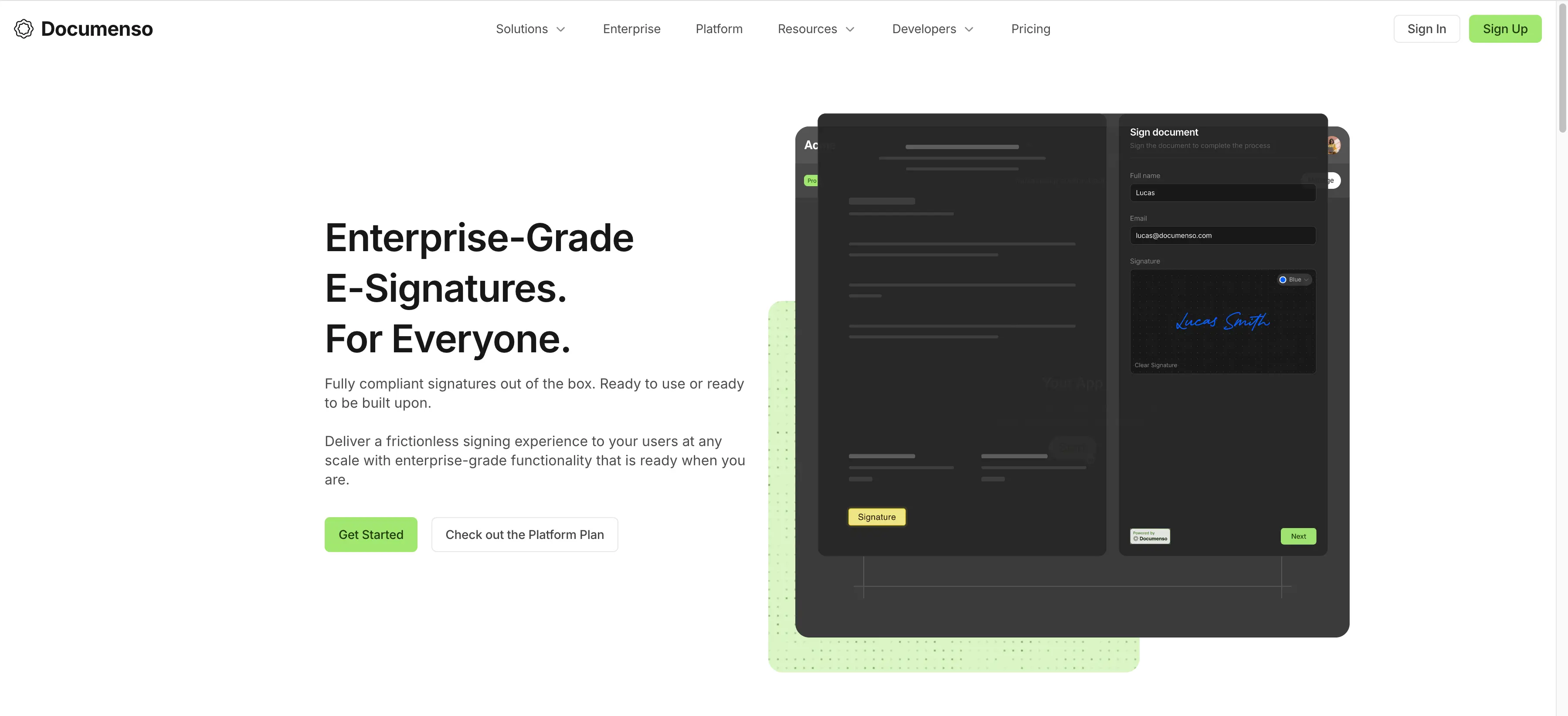
Documenso is a beautifully designed open-source document signing platform built with modern technologies (Next.js, TypeScript, Prisma). It focuses heavily on user experience and has a growing community.
- Features: Beautiful modern UI, document templates, team management, API access, audit trail, custom branding, and single sign-on support.
- Why You Should Use It: If design and UX matter to you, Documenso is the prettiest option. The TypeScript codebase makes it easy to contribute or customize.
- Why Not: Fewer advanced features compared to DocuSeal, requires PostgreSQL, and self-hosting setup is more involved.
- Pricing: Free (open-source, AGPL-3.0); cloud plans start at $30/month for individuals.
3. OpenSign
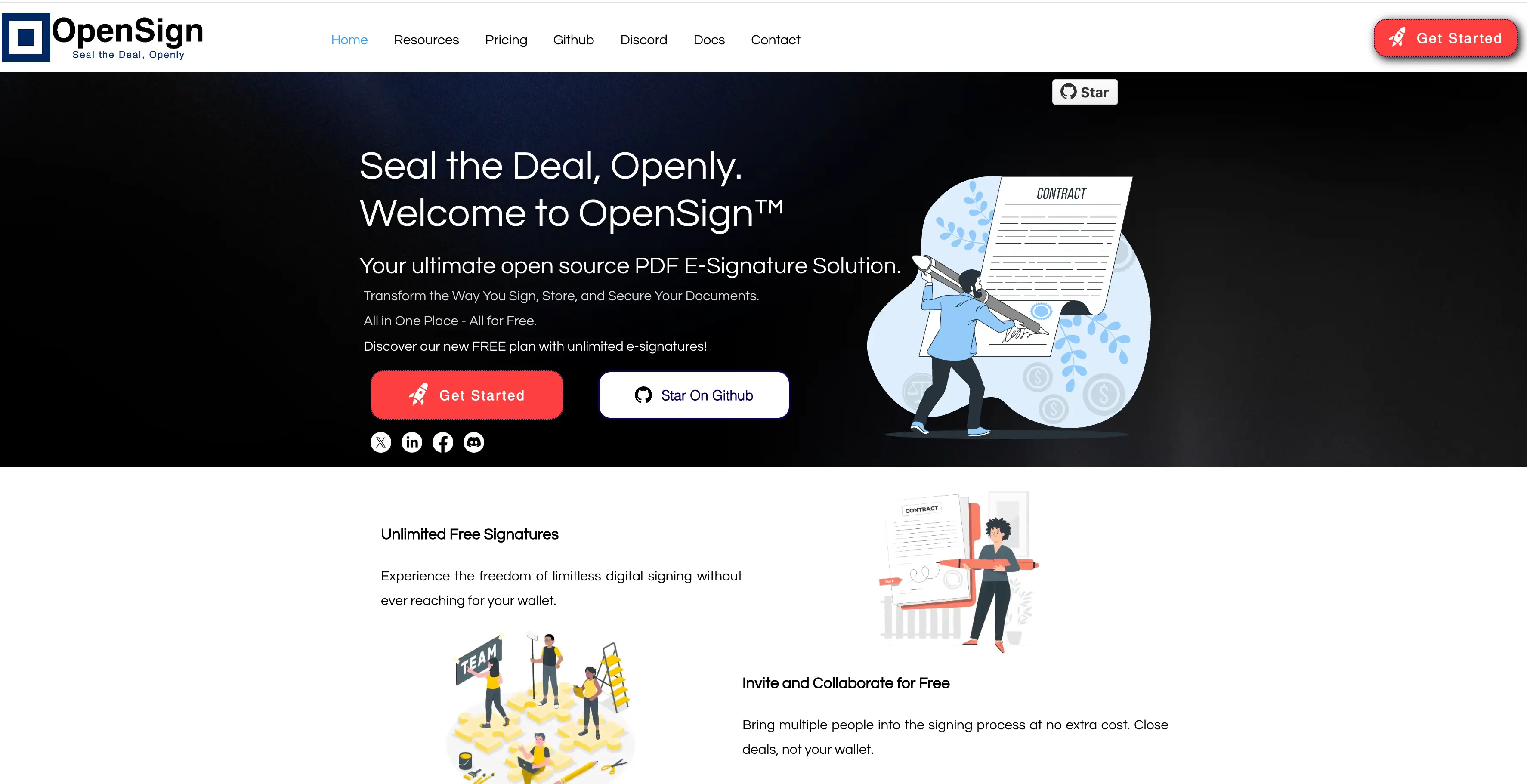
OpenSign positions itself as an open-source alternative to DocuSign, PandaDoc, and other commercial e-signature platforms. It's focused on simplicity and getting the job done.
- Features: PDF document signing, templates, multi-party signing, audit logs, API access, and webhook integrations.
- Why You Should Use It: Straightforward and focused on core signing functionality. Good choice if you need something simple without bells and whistles.
- Why Not: Less mature than DocuSeal or Documenso, smaller community, and fewer integrations.
- Pricing: Free (open-source, AGPL-3.0); cloud plans available.
4. LibreSign
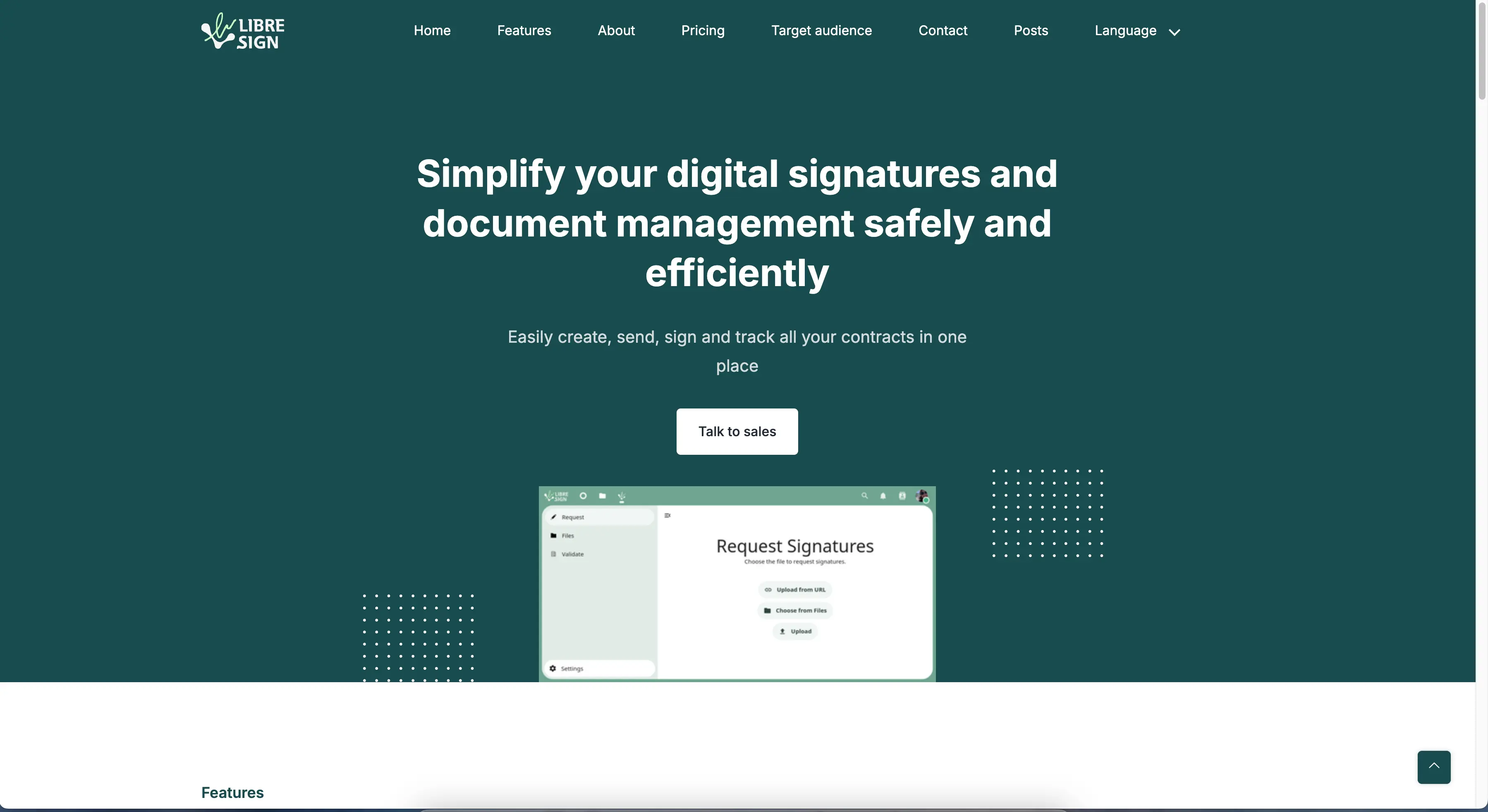
LibreSign is an open-source digital signature solution that integrates deeply with Nextcloud. If you're already running Nextcloud for file management, this is a natural fit.
- Features: Nextcloud integration, PDF signing, digital certificate management, multi-signature workflows, validation system, and file versioning through Nextcloud.
- Why You Should Use It: Perfect if you're already in the Nextcloud ecosystem. Privacy-focused with European development roots.
- Why Not: Primarily designed as a Nextcloud app, not ideal as a standalone solution. Less feature-rich for pure document signing workflows.
- Pricing: Free (open-source, AGPL-3.0).
5. Build Your Own Signing Workflow
Sometimes the best solution is the one you build yourself. With modern libraries, building a basic document signing system is more achievable than you might think. Here's what you'd need:
Tech Stack:
- PDF Manipulation: pdf-lib (JavaScript) or PyPDF2 (Python)
- Signature Capture: signature_pad - smooth canvas-based signatures
- Backend: Node.js/Express, Python/FastAPI, Go, or whatever you're comfortable with
- Storage: S3-compatible storage or local filesystem
- Email: Any SMTP provider for notifications
Basic Flow:
- Upload PDF → Extract pages as images for preview
- Define signature/field positions on each page
- Send email with unique signing link
- Capture signature and embed into PDF
- Store signed document and audit trail
- Why You Should Do It: Complete control over the UX, tight product integration, custom approval logic, and no dependency on a third-party signing product.
- Why Not: Time-consuming, you need to handle security and compliance yourself, and you will probably end up wanting features that already exist in the tools above.
- Pricing: Your time + hosting costs (~€9/month on Sliplane for your backend).
Pro tip: Start with DocuSeal and customize it rather than building from scratch. You'll save weeks of development time!
Comparison
| Tool | Self-Hostable | API Access | Database Options | Starting Price |
|---|---|---|---|---|
| DocuSign | No | Paid plans | N/A | $15 user/month |
| DocuSeal | Yes | Yes | SQLite, PostgreSQL, MySQL | Free |
| Documenso | Yes | Yes | PostgreSQL | Free |
| OpenSign | Yes | Yes | MongoDB | Free |
| LibreSign | Yes (via Nextcloud) | Limited | Nextcloud | Free |
Conclusion
Each alternative serves different needs: DocuSeal for a full-featured DocuSign replacement, Documenso for beautiful UX, OpenSign for simplicity, LibreSign for Nextcloud integration, and DIY if you want to learn or need something very custom.
My recommendation? Start with DocuSeal. It's the most mature, feature-complete option, and you can have it running in under a minute. All of these can be self-hosted on Sliplane for just €9/month with no usage limits, no per-signature fees!
FAQ
What is the best open-source DocuSign alternative?
DocuSeal is the best starting point for most teams because it covers templates, multi-party signing, audit trails, API access, and a polished signer experience. Documenso is also strong if you prefer a modern TypeScript-based product.
Can I self-host a DocuSign alternative?
Yes. DocuSeal, Documenso, OpenSign, and LibreSign can all be self-hosted. Sliplane is a good fit when you want the control of self-hosting without maintaining the server, reverse proxy, HTTPS, and deployment pipeline yourself.
Are open-source e-signatures legally binding?
Electronic signatures can be legally valid in many jurisdictions, but the details depend on your country, document type, signer identity, consent flow, audit trail, and internal compliance requirements. Treat this as an engineering comparison, not legal advice.
Which DocuSign alternative has an API?
DocuSeal, Documenso, and OpenSign all offer API-oriented workflows. If API access is your main reason for leaving DocuSign, start by testing DocuSeal and Documenso against your exact template and webhook requirements.
Why use Sliplane for DocuSeal?
Sliplane lets you deploy DocuSeal with predictable server pricing, HTTPS, logs, persistent storage, and no per-document or per-signature hosting fees. That makes it easier to test an open-source e-signature workflow before committing engineering time to a custom setup.
Cheers,
Atakan